
What Happens When You Ignore the “Try Again Later” Popup on Instagram
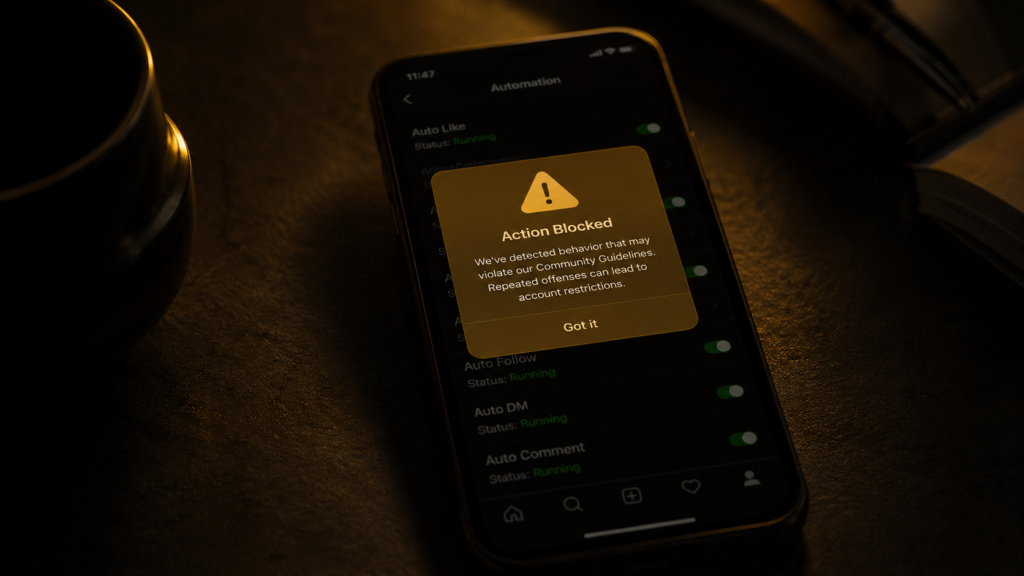
An account is running clean automation. The configuration is conservative, the source lists are healthy, and the operator has not touched anything in weeks. Then Instagram serves up a popup that says “Try Again Later,” refuses to complete the action the account just attempted, and closes the popup a second later. The account keeps functioning otherwise. Story views still work, the feed still scrolls, other action types continue normally. Only the specific action that triggered the popup gets blocked, and the operator is left wondering whether it was a fluke, a bug, or a signal worth taking seriously.
It is a signal. And the response the operator or the automation platform gives to that signal determines whether the account stays healthy for the next six months or escalates into progressively stronger restrictions over the next six days.
Most operators, and most automation platforms, get the response wrong. Retrying the action immediately produces more Try Again Later responses, which the platform reads as evidence the account is not respecting the throttling. Ignoring the popup entirely and continuing at the same action volume produces the same escalation. Backing off across the wrong dimensions — pausing the whole account when only one action type was affected, or reducing action limits so aggressively that the account effectively goes silent — wastes operational output without meaningfully improving the trust posture the popup was warning about. The correct response is narrow, specific, and rarely what operators intuitively want to do.
The popup is Instagram telling the account to slow down. Slowing down is the right answer. Everything else escalates.
What the Popup Actually Is
The Try Again Later popup is Instagram’s soft-restriction response — a middle-tier enforcement mechanism that sits between silent throttling on one side and formal action blocks on the other. When Instagram decides an account has hit an internal rate ceiling or triggered a behavioral flag on a specific action type, the platform can respond several ways. Silent throttling reduces distribution or effectiveness without notifying the account at all. Action blocks impose a formal restriction with a visible countdown and disable the affected action type for hours or days. Try Again Later sits between the two — visible enough that the account knows something happened, but reversible enough that the situation can resolve within hours if the account respects the throttling.
The scope of the popup is also narrower than most operators assume. It applies to the specific action type that triggered it, not to the account as a whole. An account that gets Try Again Later on a follow attempt can still like posts, view stories, send DMs, and perform any other action type without restriction. Only the specific action Instagram flagged remains blocked, and only until whatever window the platform has decided applies elapses. That window is not fixed — it can be an hour, a day, or longer depending on how many prior throttling events the account has accumulated and how aggressive the pattern that triggered the response was.
Understanding the popup as a specific action-type warning rather than as a general account restriction matters for the response. The correct action is to pause the affected action type. Pausing the entire account overreacts to the signal. Continuing the affected action type ignores the signal. The narrow response the platform is looking for is narrower than either extreme.
The Escalation Path
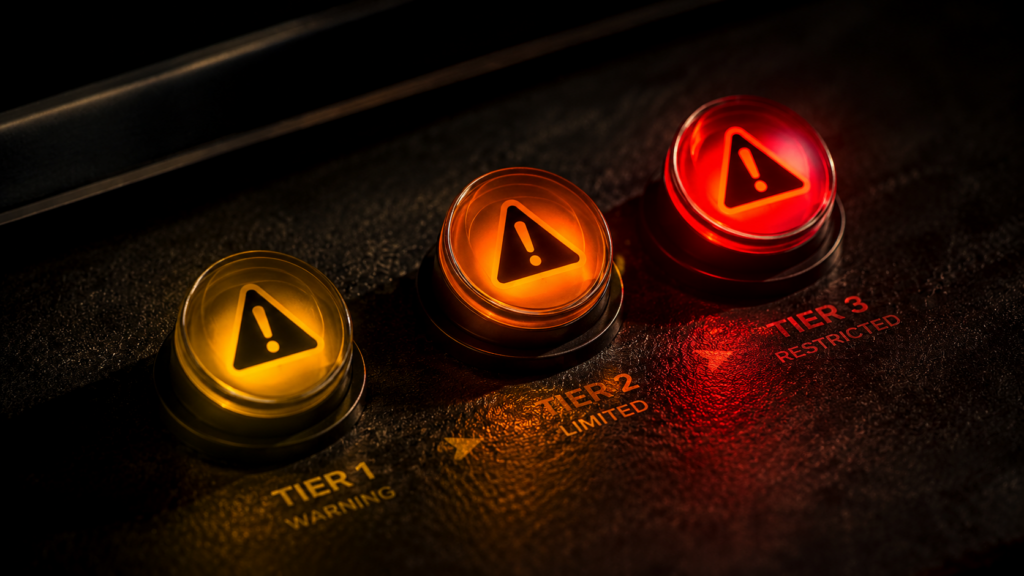
What happens when the popup gets ignored is one of the more predictable escalation patterns in Instagram’s enforcement system. The first Try Again Later on a specific action type is informational — the platform is testing whether the account respects the throttling. If the account backs off, the situation typically resolves within hours and no further enforcement follows. If the account keeps attempting the same action, the platform sees the ignored throttling and escalates to the next tier.
The second and third Try Again Later responses come faster than the first, often within minutes rather than hours, and the throttling window extends. Each additional response deepens the platform’s confidence that the account is either automated or being misused, and the enforcement scales accordingly. After a handful of ignored responses, Instagram typically switches from the reversible Try Again Later popup to a formal action block that restricts the affected action type for a fixed duration — usually 24 hours to 72 hours — with no way for the account to shorten the block through good behavior during the restriction window.
Action blocks compound. Accounts that receive multiple action blocks in short windows escalate to feature limits that restrict access to entire feature categories rather than individual actions. Feature limits accumulate into account warnings that explicitly notify the account it is one strike from termination. Each tier of enforcement produces harder consequences than the tier before, and once an account has climbed several tiers, the underlying trust score damage often takes weeks or months to repair even after the specific restrictions expire.
All of this cascades from ignoring the initial Try Again Later popup. A single popup handled correctly costs nothing. A single popup handled incorrectly starts a cascade that can lose the account.
Why Automation Fails to Handle It Correctly
Automation platforms produce several failure modes when handling Try Again Later, each of which forces the escalation the popup was designed to prevent.
The first failure mode is not detecting the popup at all. Automation platforms that read the interface only at coarse levels miss the specific “Try Again Later” text and treat the failed action as a generic error. The task queue retries the action immediately, hits the popup again, retries again, and produces the exact pattern the platform is watching for. Every retry deepens the escalation without the automation ever knowing the popup existed.
The second failure mode is detecting the popup but responding too fast. Platforms that see the popup, wait a minute, and retry produce the same escalation pattern at slightly slower speed. Instagram is not looking for a one-minute pause. The platform is looking for a meaningful back-off — the specific action type paused for at least tens of minutes and often hours before the automation attempts it again. Anything shorter than that reads as ignoring the throttling regardless of how much time technically elapsed between attempts.
The third failure mode is treating the popup as an account-level restriction and pausing everything. Platforms that see Try Again Later and stop all automation on the account for hours overreact to the signal. The affected action type needs to pause; the other action types can continue normally. Full-account pauses waste operational output without producing better trust recovery than the narrower response would have.
The fourth failure mode is applying the correct response to the wrong action type. Some platforms detect the popup but log it against the wrong action in the queue, then pause an action that was working fine while continuing the action that was actually throttled. This produces both operational waste (the working action gets suppressed for no reason) and continued escalation (the actually-throttled action keeps getting attempted).
The Correct Response Pattern
Production-grade automation handles Try Again Later through a specific pattern that mirrors what the platform is actually asking for. The automation detects the popup through explicit UI-inspection, identifies which specific action type triggered it, logs the event against the account’s activity history, and pauses that specific action type for a defined window that gives Instagram enough time to release the throttling.
The pause window matters. Too short and the platform reads the retry as ignoring the throttling. Too long and the account loses operational output that could have resumed cleanly. Most well-configured platforms settle on graduated windows — first Try Again Later triggers a pause of 90 to 120 minutes on the affected action, subsequent responses within a defined window trigger progressively longer pauses, and after a threshold the automation treats the account as facing genuine restriction and applies an extended cool-down before attempting the action again.
Other action types on the account should continue normally throughout the window. The account should not go silent. Story viewing, feed browsing, and any actions that are not currently throttled should keep firing at their configured rates so the account looks like a normal user who happens to be doing less of one specific type of activity — which is exactly what a real user would look like if they had been rate-limited on one specific action.
The automation should also treat the event as informational rather than as failure. The account is not broken. The specific action is temporarily unavailable. Backing off the affected action for a reasonable window and resuming later at the same rate typically resolves the situation cleanly. Reducing action limits across the whole account after a single Try Again Later overreacts to the signal and often produces worse aggregate output than simply handling the specific popup correctly and continuing everything else at normal pace.
The anti-detection layer in a well-designed automation platform expects Try Again Later events as routine noise rather than as terminal problems. Accounts running through platforms with this expectation see occasional popups across months of operation without meaningful trust damage. Accounts running through platforms that mishandle the popup accumulate damage from every event and escalate through the enforcement tiers within weeks.
The Recovery Math
The economics of correct handling become obvious once measured over months. Accounts that respect Try Again Later signals produce sustainable operational output because the popups resolve without escalating. Individual accounts might see two or three Try Again Later events per month during normal operation, and none of them convert into action blocks or higher-tier restrictions. Over six months, these accounts produce steady output without meaningful operational disruption from throttling events.
Accounts that ignore Try Again Later signals produce the opposite curve. The first few weeks look identical — throttling events happen, get ignored, and the account seems to be fine because the retry sometimes succeeds. The escalation is silent during this period, accumulating rate-limiting pressure and behavioral flags that the platform is tracking but not yet acting on. Then the enforcement lands. Action blocks arrive on multiple action types simultaneously. Feature limits follow within days. The account transitions from apparently-healthy to substantially-restricted within a two-week window, and by the time the operator notices, the trust damage often makes recovery impractical.
Averaged across a fleet, the accounts that respect Try Again Later last four to six times longer in operational service than accounts that ignore it. The ignored-popup failure mode is one of the more predictable ways multi-account operations lose accounts prematurely, and the cost is entirely avoidable through automation that handles the popup correctly.
The popup is a warning. Automation that treats it as noise produces the escalation the warning was designed to prevent. Automation that treats it as informational produces accounts that survive the events without incident. The difference is entirely in how the automation handles a two-second popup that most operators never even see.
Don't stop at reading.
Join the community or pick a plan and start automating today.
Get help, share wins, stay ahead.
Thousands of operators, direct support from the team, and a live feed of updates, tips and drops.
- Live support and troubleshooting from the team and power users
- Setup walkthroughs, targeting tips and workflow templates
- Early word on new bots, features and releases
Ready to put growth on autopilot?
Run your accounts, clients or traffic funnel while Onimator does the work. Start scaling today.
- Unlimited accounts
- All available tasks
- Integrated AI Chatter
- Up to 7 devices