
Fanvue vs OnlyFans: Fees, Audience and AI Rules Compared
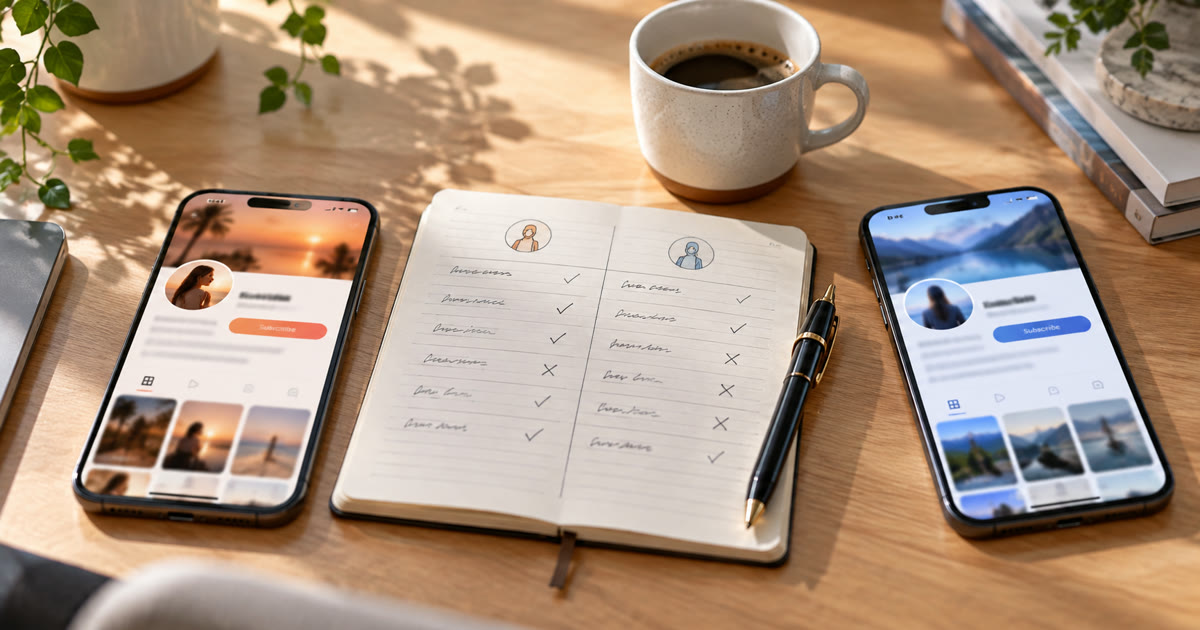
Fanvue and OnlyFans both let creators keep 80% of what fans pay, so the fee isn't what separates them. OnlyFans is far bigger: it reported 4.6 million creator accounts and 377 million fan accounts for 2024. Fanvue is smaller, at over 200,000 creators, but it openly welcomes fully AI-generated creators and builds AI tools into the platform. On OnlyFans, AI content is only allowed if it shows the verified human creator. For a real creator chasing the biggest audience, OnlyFans usually wins. For an AI or virtual creator, Fanvue is the one that allows it.
This post compares the two on fees, audience, AI rules, payouts and tools, and covers where traffic comes from, since neither platform brings you many fans by itself.
Fanvue vs OnlyFans at a glance
| Fanvue | OnlyFans | |
|---|---|---|
| Creator share | 80% standard, sometimes a temporary promotional rate for new creators | 80% |
| Size | 200,000+ creators (January 2026) | 4.6M creator accounts, 377M fan accounts (2024) |
| Fully AI creators | Allowed, with clear AI disclosure | Not allowed. AI content must show the verified creator |
| Built-in AI tools | AI messaging, AI voice notes, AI voice calls, analytics | None that write for you |
| ID verification | Required, including for AI accounts | Required |
| Payout methods | Bank transfer, crypto wallets, third-party wallets | Bank transfer and other methods by country |
| Brand recognition | Growing | The name fans already know |
Sources: Fanvue's creator earnings policy and platform overview; OnlyFans figures from its 2024 accounts, as reported by Euronews.
What does each platform take in fees?
Both take 20% and pay the creator 80% of subscriptions, paid posts, paid messages and tips.
Fanvue's creator earnings policy sets 80% as the standard rate and says it may offer newly onboarded creators a temporary promotional rate, with the details published on the platform. Its own overview currently describes a 15% fee for the first 30 days after verification. Fanvue holds earnings as pending for 7 days as standard, and up to 28 days for some accounts. Some payout providers charge a small withdrawal fee on top, such as 1% for crypto withdrawals through TripleA, according to Fanvue's payout fees page.
OnlyFans has kept the same 80/20 split since it launched.
A 5% difference for a month is small. Over a year, where your fans come from and how well you convert them matters far more than the fee.
Which platform has more fans?
OnlyFans, by a wide margin. Its 2024 accounts showed $7.2 billion in fan payments, 4.6 million creator accounts and 377 million fan accounts. It's the name fans search for, and many already have a card saved there.
Fanvue reports 200,000+ creators. That means fewer fans browsing, but also less competition, and Fanvue promotes creators inside its own platform more actively than OnlyFans does.
Neither one does much discovery for you. On both, most new subscribers arrive from outside: Instagram, Threads, TikTok, Reddit, X and dating apps.
Can you run an AI creator on Fanvue or OnlyFans?
This is the biggest difference between them.
Fanvue allows it. Its AI content rules recognise three kinds of AI account:
- Fully AI: a virtual character whose photos, videos and voice are generated and don't depict a real person.
- AI persona based on a real person: a real person's likeness altered with AI, which needs that person's verification and signed consent.
- AI-enhanced creator: a real, verified creator who uses AI for some content.
All three need ID verification and must show the AI label. Fanvue says AI content must be clearly disclosed, and that a fully AI account must never tell fans it's a real person. Its normal content rules apply to AI content too, including in messages.
OnlyFans doesn't allow fully AI creators. Its terms allow AI-generated or AI-enhanced content only when it clearly shows the verified creator who runs the account, and only when it's labelled with a tag such as #ai. AI content of anyone else, and deepfakes, can get the account terminated.
Don't use anyone's likeness without documented consent, on either platform. That includes celebrities and other creators.
What about AI chatting and agencies?
Both platforms allow creators to get help running their accounts, and agencies (OFM) run chat teams on both. The difference is that Fanvue builds AI messaging, AI voice notes and AI voice calls into the platform itself, while on OnlyFans that work is done by human chatters or outside tools.
Whatever writes the messages, the same rule holds on both: don't lie to fans about who they're talking to where the platform requires disclosure, and keep messages within the content rules. For how agencies weigh this, see AI chatters vs manual operators. For how paid messages work, see what PPV means on OnlyFans.
Fanvue or OnlyFans: which should you choose?
Choose OnlyFans if:
- you're a real creator and want the biggest pool of fans
- your fans already know and trust the OnlyFans name
- you'll bring your own traffic and want the least friction at checkout
Choose Fanvue if:
- you're running a fully AI or virtual creator
- you want AI messaging and voice tools built in
- you'd rather be a bigger fish in a smaller platform
Use both if: you're a real creator and can keep up with two pages. Many creators do, as long as each platform's content and rules are followed separately.
Where does the traffic come from?
From social accounts, on either platform. The usual mix is short-form video on Instagram, Threads and TikTok, posts in NSFW communities on Reddit, and conversations on dating apps, each pointing to a link in the profile.
Onimator is software that drives the real social apps on Android phones, cloud phones and emulators. It doesn't run on Fanvue or OnlyFans. It runs the accounts that send people there:
- Instagram and Threads: scheduled posts, warm-up and engagement. See How to Warm Up Instagram Accounts at Scale and how to grow on Threads.
- Reddit: scheduled posts to communities with the NSFW mark, upvoting and commenting. See how to promote OnlyFans on Reddit.
- Dating apps: matching and messaging on Tinder and Bumble, with daily limits that start low. See Tinder error 40303 for what gets accounts banned.
Its guides give starting limits for each tool. Treat them as ceilings, not targets.
Instagram, Threads, TikTok, Reddit and dating apps don't allow automated use without permission. Automation carries risk, and nothing here removes it. What you control is how much each account looks like a real person.
FAQ
Does Fanvue take less than OnlyFans?
Usually not. Both take 20% as standard. Fanvue sometimes offers new creators a lower promotional fee for a short period, currently described as 15% for the first 30 days after verification.
Is Fanvue bigger than OnlyFans?
No. OnlyFans reported 4.6 million creator accounts and 377 million fan accounts for 2024. Fanvue reports over 200,000 creators.
Can AI models make money on OnlyFans?
Not fully AI ones. OnlyFans only allows AI content that shows the verified creator running the account, labelled with a tag such as #ai. Fully virtual creators go to platforms like Fanvue that allow them.
Do AI creators on Fanvue need ID verification?
Yes. Every AI account needs ID verification, and an AI persona based on a real person also needs that person's verification and signed consent.
Can I be on Fanvue and OnlyFans at the same time?
Yes. Many creators run both. Follow each platform's own rules, especially on AI content, since what's allowed on Fanvue may not be allowed on OnlyFans.
Don't stop at reading.
Join the community or pick a plan and start automating today.
Get help, share wins, stay ahead.
Thousands of operators, direct support from the team, and a live feed of updates, tips and drops.
- Live support and troubleshooting from the team and power users
- Setup walkthroughs, targeting tips and workflow templates
- Early word on new bots, features and releases
Ready to put growth on autopilot?
Run your accounts, clients or traffic funnel while Onimator does the work. Start scaling today.
- Unlimited accounts
- All available tasks
- Integrated AI Chatter
- Up to 7 devices