
How Many Instagram Accounts Can You Have? The Real Limits Explained
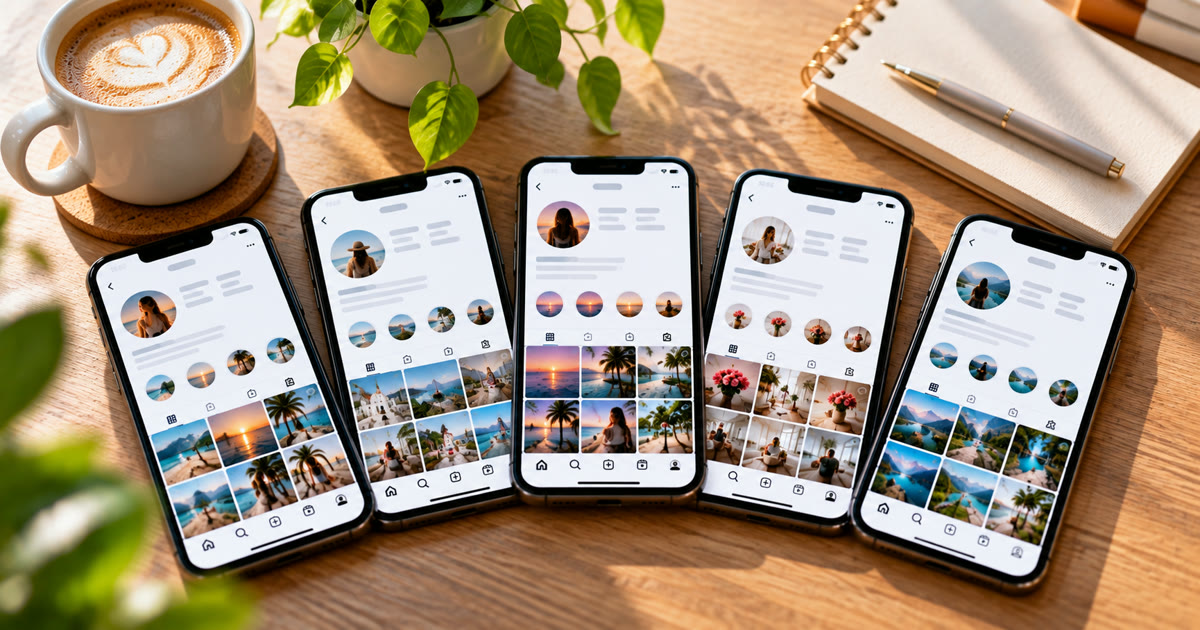
You can add up to five Instagram accounts to the app and switch between them without logging out. That's a limit on how many you can be logged into on one app, not on how many you can own. Instagram doesn't publish a cap on total accounts, but each one needs its own username, and accounts that look connected or behave like a network get restricted together. For most people, five is plenty. For agencies and creators running more, the question is how to keep them separate, not how many Instagram allows.
This post covers what the five-account limit means, how email and phone numbers fit in, where Instagram draws the line, and how to run more accounts safely.
How many accounts can you add to the Instagram app?
Five. Instagram's help centre says you can add up to five accounts and switch between them without logging out and back in.
To add one:
- Go to your profile and tap your username at the top.
- Tap Add account.
- Choose Log into existing account or Create new account.
To switch, tap your username again and pick the account. You're only logged into one at a time, but the app keeps the others ready, and you may get notifications from all of them.
Five is per app, not per person. It limits how many accounts sit in one app's switcher. It doesn't stop you owning more.
Is there a limit on how many Instagram accounts you can own?
Instagram doesn't publish one. Its rules don't cap the number of accounts, but they do set conditions every account has to meet. Instagram's Terms of Use say you can't:
- impersonate others or give inaccurate information
- create an account for someone else without their permission
- create accounts in an automated way without permission
Meta's Inauthentic Behavior policy also bans networks of accounts used to deceive people or Meta, or to get around enforcement. So owning ten accounts for ten real brands is fine. Owning ten accounts that pretend to be different people while liking each other's posts isn't.
Can you use the same email or phone number for several accounts?
Each account needs its own username. Many people report that one email or phone number can be linked to several accounts, but Instagram doesn't document a number, and a shared email or number is one of the simplest ways for Instagram to connect accounts.
Give each account its own email. It keeps password resets and security codes separate, and one compromised inbox doesn't expose every account.
Instagram's old "single login" feature is gone. Instagram ended the option to use one login for several accounts in 2021. Accounts that already used it can keep it, but new ones can't be added. Today, accounts can be linked through Accounts Center instead, which also links them in Instagram's eyes.
What gets multiple accounts banned?
Rarely the number of accounts. Usually it's the links between them:
Shared signals. Same phone, same IP, same email or number, same photos. Each one makes it easier to tie accounts to one operator. See how Instagram detects automation networks.
Accounts that act alike. Posting the same content, following the same people at the same time, or liking each other's posts in a ring.
New accounts doing too much. A fresh account that follows hundreds of people on day one looks automated. See why new Instagram accounts get suspended.
Reposting. Accounts built on other people's content lose recommendations. See Instagram "not eligible for recommendation".
When one account in a linked group is banned, the rest often follow. That's why separation matters more than the count.
How do you run more than five Instagram accounts?
Keep every account separate, and give each one its own pace.
- Use more than one app or device. The five-account limit is per app, so agencies spread accounts across phones or cloned apps.
- Give each account its own email and IP. Shared networks are one of the clearest links. See mobile vs residential vs datacenter proxies.
- Warm up new accounts slowly. See the 7-day warm-up sequence.
- Post original content on each one. Different content, not the same clip twenty times.
- Turn on two-factor authentication. Lost access to one account shouldn't mean losing the rest.
Onimator is software that drives the real Instagram app on Android phones, cloud phones and emulators, and IGBot is its Instagram module. This is how its guides set up several accounts:
| Task | Where | Starting point |
|---|---|---|
| Add each account to a phone, after logging in by hand | How to Add Your First Account | Timer and proxy set before the first run |
| Several accounts on one phone, one per cloned app | Clone Detector | One account per clone |
| A separate proxy for each account | Proxy setup on Android | One IP per account |
| Login security | 2FA for automated accounts | 2FA on every account |
| Daily limits that grow over time | How to Warm Up Instagram Accounts at Scale | Low limits with auto-increment |
These are ceilings, not targets. Onimator never logs in for you: you sign in to each account on the phone yourself, and the bot runs the account that's already open.
Instagram's terms don't allow automated use without permission. Automation carries risk, and nothing here removes it. What you control is how separate and natural each account looks.
FAQ
How many Instagram accounts can you have on one phone?
Up to five in one Instagram app's switcher. To run more on one phone, people use cloned apps, each with its own accounts.
Is there a limit to how many Instagram accounts you can create?
Instagram doesn't publish one. Every account needs its own username and has to follow Instagram's rules, which ban impersonation, deceptive networks of accounts and automated account creation.
Can I have two Instagram accounts with the same email?
Many people do, but Instagram doesn't document how many accounts one email can be linked to. A separate email for each account is safer and keeps security codes apart.
Will Instagram ban me for having multiple accounts?
Not for the number alone. Bans usually come from accounts that look connected and act alike, such as shared IPs, the same content, or accounts boosting each other.
What happens if I hit the five-account limit?
The app won't let you add a sixth to the switcher. Log out of one to add another, or use a second app or device.
Don't stop at reading.
Join the community or pick a plan and start automating today.
Get help, share wins, stay ahead.
Thousands of operators, direct support from the team, and a live feed of updates, tips and drops.
- Live support and troubleshooting from the team and power users
- Setup walkthroughs, targeting tips and workflow templates
- Early word on new bots, features and releases
Ready to put growth on autopilot?
Run your accounts, clients or traffic funnel while Onimator does the work. Start scaling today.
- Unlimited accounts
- All available tasks
- Integrated AI Chatter
- Up to 7 devices