
Why Your New Instagram Account Got Suspended Within Minutes
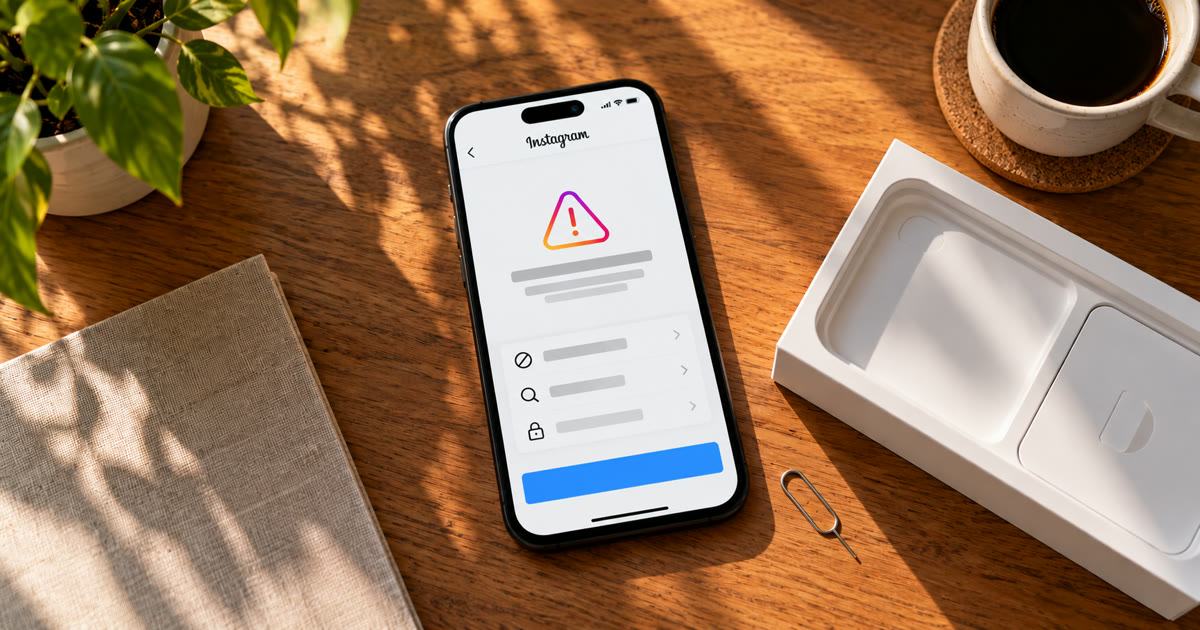
When a brand-new Instagram account is suspended within minutes, it almost never did anything wrong. What Instagram flagged was where it came from: the device, the IP address, the phone number or email, or how many accounts had just been made the same way. A new account has no history, so those signals are all Instagram has to judge it on.
That's why it feels random. You created the account, maybe added a photo, and before you followed anyone it was gone. This post explains what Instagram is looking at in those first minutes, what to do with a suspension notice, and how to set accounts up so they survive.
Why does Instagram suspend new accounts so fast?
Because new accounts are where spam starts. Bots, fake profiles and spam networks are all built from fresh accounts, so Instagram checks new signups hardest, before they've had a chance to do anything.
With no posts, followers or history to go on, the decision rests on what the signup itself looks like. If enough of it resembles accounts Instagram has already removed, the new one goes too.
Not every early suspension is deserved. Instagram has had several waves of accounts suspended by mistake, and people regularly report brand-new accounts caught in them. If you did nothing unusual, appeal.
What gets a new Instagram account suspended?
For people creating several accounts, it's usually one of these:
A device with a history. If a phone has already been used for accounts Instagram suspended, new accounts made on it start under suspicion. The trusted device idea works both ways: a device can carry a bad record as easily as a good one.
An IP address with a history. The same goes for the network. Datacenter proxies, busy VPN exits and shared IPs that dozens of other accounts have used are flagged far more often than a normal home or mobile connection.
A recycled or virtual phone number. Numbers from SMS-verification services have often been used for other accounts already. Instagram knows those numbers, and a new signup on one starts at a disadvantage. See phone verification.
Several accounts in a row from one place. Creating five accounts in an hour on one phone and one IP is exactly what an account farm looks like at signup.
Action straight away. A new account that immediately follows dozens of people, sends messages or adds a link in its bio looks like it was made for one purpose. Real people poke around first.
An empty, generic profile. No photo, no bio, a username full of numbers. On its own that isn't a reason, but combined with any of the above it adds to the pile.
What should you do when a new account is suspended?
Read the notice, then appeal if you think it's a mistake. Don't make a replacement straight away.
- Read the deadline. The notice says when your account was suspended and how long you have to disagree with the decision. People usually report 30 days, with the account deleted for good if nothing changes. Some versions show 180 days.
- Tap "Disagree with decision" if you didn't break any rules, and follow the steps.
- Complete any identity check. Instagram may ask for a short video selfie, turning your head, to confirm a real person owns the account. Instagram has said it deletes that video after 30 days.
- Don't create a replacement on the same phone, number or network yet. A new account built on the exact signals that just got one suspended usually goes the same way, and quickly.
Appeals for brand-new accounts often don't succeed. With no history, there's little for a reviewer to weigh against the signals that triggered it. Appeal anyway if it was a mistake, but put more effort into setting up the next account properly.
How do you create Instagram accounts that don't get suspended?
Make every new account look like one person signing up on their own phone, and give it time before asking anything of it.
One clean device per account, or one clone per account. Several accounts can share a phone if each runs in its own app clone with its own identity.
One stable IP per account from the very first login. Not shared, not rotating, and not a datacenter range. See mobile vs residential vs datacenter proxies.
A real phone number or email per account. Avoid numbers that have obviously been used before.
Space the signups out. A few a day per device and network, not a batch in one sitting.
Do nothing for the first days. Add a photo and a bio, scroll, watch some reels. No follows, no DMs, no links.
Then ramp slowly. Our fleet starts new accounts at 2 likes a day and climbs over 25 days. See How to Warm Up Instagram Accounts at Scale.
Our posts on why your first login matters and the trust-device trap go deeper on the first hours of an account's life.
Is it better to buy aged accounts instead?
Sometimes, but it trades one risk for another. An aged account has history, which helps, but you don't know what it was used for, and a sudden change of device, IP and behaviour on purchase can trigger the same checks. We weighed both sides in should you buy aged Instagram accounts or create your own.
Where does Onimator fit in?
After the account exists, not before. Onimator is software that drives the real Instagram app on Android phones, cloud phones and emulators, and IGBot is its Instagram module. It doesn't create accounts or log in for you: you sign up and log in on the device yourself, which keeps that first login on a real phone.
From there it helps with the part that gets accounts flagged in their first weeks:
| Risk | What helps | Where |
|---|---|---|
| Doing too much too soon | Like cap starting at 2 a day, +2 a day, no follows during warm-up | Warm-up at scale guide |
| Bursts of actions | Hourly caps, 25 an hour by default | Global Settings → Action Limits |
| An account that never browses | Feed, story and Explore browsing between actions | Human Behaviour Emulation |
| Activity at all hours | A daily active window per account | Timer tab |
| Pressing on after a block | Stop every tool as soon as a block is detected | Global Settings → Anti-Detection |
Instagram's terms don't allow automated use without permission. None of this guarantees an account won't be suspended. It lowers the odds by keeping each account's behaviour well inside what a person does.
FAQ
Why did Instagram suspend my account right after I created it?
Usually because something about the signup matched accounts Instagram has already removed: the device, the IP address, the phone number or email, or several accounts being made in a row from the same place.
How long do I have to appeal a suspended Instagram account?
The suspension notice shows the deadline. People usually report 30 days to disagree with the decision before the account is permanently disabled, though some notices show 180 days.
Should I make a new account after a suspension?
Not straight away, and not on the same phone, number or network. Those are often the signals that caused the suspension, so a new account built on them tends to be suspended too.
Can a VPN get a new Instagram account suspended?
It can contribute. Busy VPN and datacenter IP addresses have often been used by many other accounts, which makes a new signup on them look riskier.
Does a profile picture and bio help a new account?
It helps a little. An empty, generic profile isn't a reason on its own, but a complete one makes the account look like a real person, especially in its first days.
Don't stop at reading.
Join the community or pick a plan and start automating today.
Get help, share wins, stay ahead.
Thousands of operators, direct support from the team, and a live feed of updates, tips and drops.
- Live support and troubleshooting from the team and power users
- Setup walkthroughs, targeting tips and workflow templates
- Early word on new bots, features and releases
Ready to put growth on autopilot?
Run your accounts, clients or traffic funnel while Onimator does the work. Start scaling today.
- Unlimited accounts
- All available tasks
- Integrated AI Chatter
- Up to 7 devices