
TikTok Account Banned: Permanent Ban vs Restriction and How to Appeal
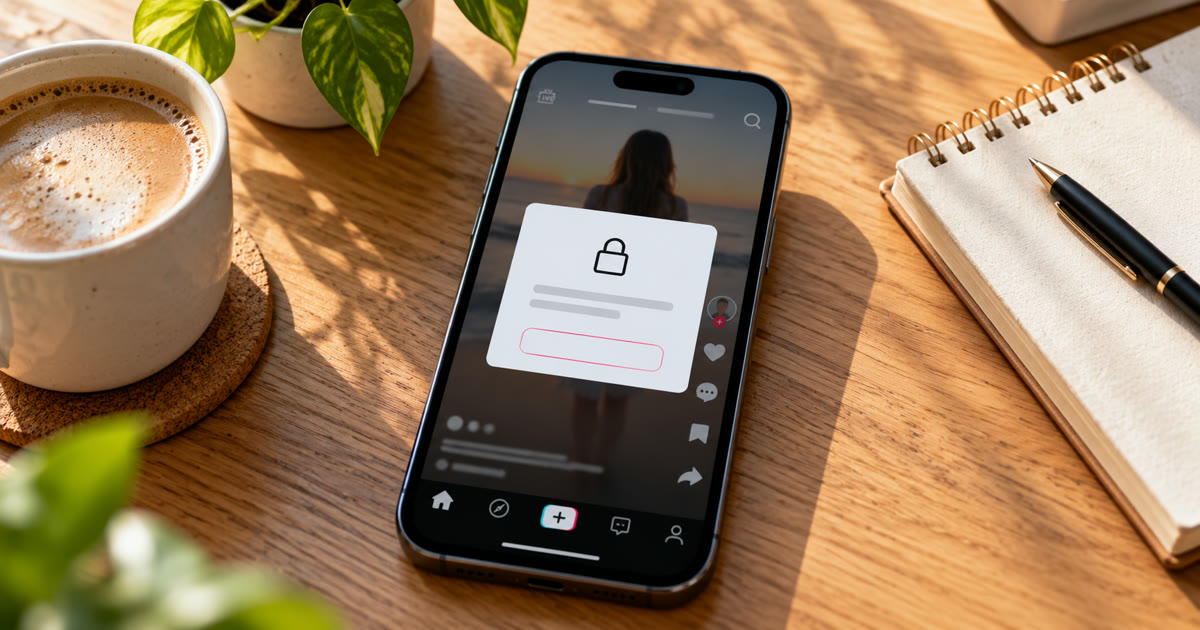
When TikTok bans an account, you see a notice the next time you open the app, and that notice has an Appeal option. A permanent ban removes the account. A restriction only blocks one feature, like posting, commenting, messaging or going LIVE, for a while. Bans come from strikes that build up within 90 days, or from a single severe violation, and the only way back is an appeal from the ban notice. Making a new account to get around it is ban evasion, and TikTok can ban that one too.
This post covers how to tell which one you have, how to appeal, what happens to your data, and how to keep accounts you run from getting there.
Is it a permanent ban or a restriction?
Check what the notice says, then check your account status.
| What you see | What it means | What happens next |
|---|---|---|
| A warning | A violation was recorded, nothing is blocked | Counts toward your account status |
| A feature restriction | You can't post, comment, message or go LIVE for a period | Access returns when the period ends, or earlier if an appeal succeeds |
| "Close to a permanent ban" notice | Strikes are near the threshold | One more violation can end the account |
| A ban notice when you open the app | The account has been permanently banned | Appeal, or the account is eventually deleted |
TikTok's support page on violations and bans says you can still log in to a banned account to submit an appeal and download your data.
Account status shows where you stand. It reflects your violation history over the last 90 days. To find it: profile → menu → Settings and privacy → Support → Safety Center → Account check (called Account status in some versions). We covered strikes in detail in TikTok Community Guidelines strike.
Why does TikTok ban accounts?
TikTok bans an account in one of three ways:
Too many strikes in one policy or feature. Each removal for a guideline violation is a strike. An account is banned when it reaches the threshold for one policy, such as spam, or one feature, such as comments or LIVE. TikTok doesn't publish the number, and it differs by policy.
Too many strikes overall. A high total across different policies and features can also end in a ban.
One severe violation. Some violations get an account banned on the first offence, including promoting violence, showing torture and child sexual abuse material.
Strikes expire after 90 days and stop counting toward a ban. TikTok also says it notifies creators when an account is close to being permanently banned.
How do you appeal a TikTok ban?
From the app, through the ban notice.
- Open TikTok on the banned account. The ban notice appears.
- Tap Appeal in the notice.
- Explain briefly why you think the decision was a mistake, then submit.
- Wait for the result in the app.
If the appeal is approved, TikTok restores the account and its content, unless you deleted them in the meantime. For a restriction or a strike rather than a ban, appeal from the notice in Inbox → System notifications, or from Account check.
If the appeal option doesn't work, try Settings and privacy → Report a problem and choose an account issue. That's a support request, not a second appeal, so describe the situation clearly.
TikTok doesn't send appeal forms by email. Fake "your account is under review" emails with a link to an appeal form are a common scam. Appeal only inside the app, and never enter your login on a link from an email.
What happens to your data after a ban?
You can still log in to download your data while the account is banned. TikTok says banned accounts' personal data is deleted after a period set by law and its retention policy, after which the account is gone for good. If you want your videos, download them early.
Can you make a new TikTok account after a ban?
Not to get around it. TikTok allows more than one account, but its Accounts and Features policy bans using another account to avoid a restriction or ban while it's still active. When it catches ban evasion, TikTok can ban all of a person's accounts, including linked ones, and it says it may also block a device so new accounts can't be created on it.
For anyone running several accounts, this is the real risk. One account's ban can reach the others if they look like the same operator.
How do you keep several TikTok accounts from getting banned?
Keep each account's content original and its activity at a level a real person could manage, and keep the accounts separate.
Onimator is software that drives the real TikTok app on Android phones, cloud phones and emulators. These are the starting points from its TikTok guides for new accounts:
| Setting | New accounts | Where |
|---|---|---|
| Follows per day | 5 to 10, rising with auto-increment | Follow tool |
| Likes per day | 20 | Like tool |
| Comments per day | 5 to 15, with 5 to 15 seconds between | Comment tool |
| Active hours | A realistic window, different per account | Timer tab |
These are ceilings, not targets. A few habits matter as much as the numbers:
One version of each clip per account. The same file on several accounts is duplicate content, and it ties the accounts together. The Post tool schedules each account's own videos.
Vary every comment with spintax or AI, and keep links out of comments.
One stable IP per account. See mobile vs residential vs datacenter proxies.
Check Account check weekly on every account, and pause any account that gets a strike until it ages out.
Never move a banned account's content to a new account. That's exactly what TikTok treats as evasion.
If an account isn't banned but its videos stopped getting views, that's a different problem: see why your TikTok videos aren't hitting the FYP and the 21-day TikTok shadowban recovery protocol.
TikTok's rules don't allow fake engagement or automation that games the platform. Automation carries risk, and nothing here removes it. What you control is how much each account looks like a real person.
FAQ
How do I know if my TikTok account is permanently banned?
You see a ban notice when you open the app. Account check (or Account status) under Settings and privacy also shows the account's standing and any violations.
How long does a TikTok ban last?
A permanent ban lasts until an appeal succeeds. A feature restriction, such as not being able to comment or go LIVE, ends on its own after the period in the notice.
How do I appeal a TikTok ban?
Open the app on the banned account, tap Appeal in the ban notice, explain briefly why it was a mistake and submit. If it's approved, the account and content are restored.
Do TikTok strikes go away?
Yes. Strikes expire after 90 days and no longer count toward a permanent ban.
Can I make a new TikTok account if I'm banned?
Not to get around the ban. TikTok can ban the new account and every linked account, and it may block the device.
Don't stop at reading.
Join the community or pick a plan and start automating today.
Get help, share wins, stay ahead.
Thousands of operators, direct support from the team, and a live feed of updates, tips and drops.
- Live support and troubleshooting from the team and power users
- Setup walkthroughs, targeting tips and workflow templates
- Early word on new bots, features and releases
Ready to put growth on autopilot?
Run your accounts, clients or traffic funnel while Onimator does the work. Start scaling today.
- Unlimited accounts
- All available tasks
- Integrated AI Chatter
- Up to 7 devices