Why Can't I Follow Anyone on Instagram? 7 Reasons and How to Fix Each
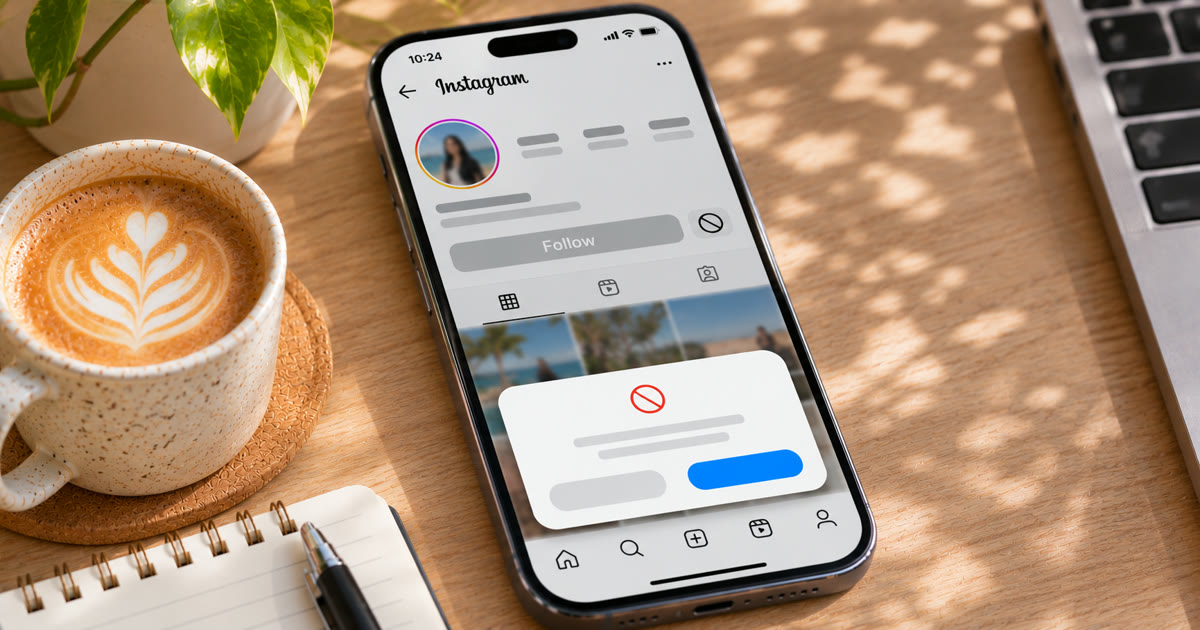
If Instagram won't let you follow anyone, it's usually one of three things: you've reached the 7,500 following cap, Instagram has temporarily blocked following because you followed too many people too fast, or the follow button "undoes" itself, which is often a quiet block. The error message, or the lack of one, tells you which. A cap needs unfollows. A block needs a pause. A glitch needs an app update.
This post goes through all seven causes, how to recognise each, and what to do.
Which reason is it? Check the message first
| What you see | What it means | Go to |
|---|---|---|
| "You can't follow any more people" | You've hit the 7,500 cap | Reason 1 |
| "Try Again Later" or "We restrict certain activity" | A temporary action block | Reason 2 |
| You tap Follow, it flips back to Follow | A quiet block or an app glitch | Reasons 3 and 6 |
| The button says Requested | The account is private | Reason 4 |
| No Follow button at all | You're blocked, or the account is gone | Reason 5 |
1. You've reached the 7,500 following limit
Instagram doesn't let any account follow more than 7,500 accounts. Its help centre says the limit exists to reduce spam, and it applies no matter how many followers you have. When you hit it, you'll see:
Error: You can't follow any more people.
How to check: look at your Following count on your profile.
What to do: unfollow accounts to get back under 7,500. Old, inactive and non-following-back accounts are the obvious ones to go. Do it gradually: unfollowing hundreds in a few minutes can trigger a block of its own.
2. You followed too many people too fast
This is the most common reason. Following is one of the most closely watched actions on Instagram, and following lots of people in a short time looks like spam. Instagram responds with a temporary action block: a "Try Again Later" popup, or "We restrict certain activity to protect our community".
Instagram doesn't publish a daily or hourly follow limit. What's safe depends on the account's age, history and how it's been behaving, and new accounts get far less room than old ones.
What to do: stop following completely until the block lifts. Every attempt while blocked counts against you. Most first blocks lift within hours to a day. Our post on "We restrict certain activity" covers how long blocks last and what to do while you wait, and what happens when you ignore the Try Again Later popup explains why pushing through makes it worse.
3. The Follow button keeps switching back
You tap Follow, it changes to Following, and a moment later it's back to Follow. There's no message.
This is usually a quiet action block: Instagram rejected the follow without showing a popup. It looks like a glitch, but if it happens on every account you try, treat it like Reason 2 and stop following for a day.
If it only happens now and then, or only on one device, it may be a real glitch. See Reason 6.
4. The account is private
On a private account, Follow turns into Requested. You won't follow them until they approve the request, and you can't see their posts until then.
If you have hundreds of pending requests, they also count against how many follows Instagram thinks you're sending. Cancel requests that have sat unanswered for weeks.
5. You've been blocked, or the account is gone
If a profile has no Follow button, or shows "User not found" or "No posts yet" with zero followers, the person may have blocked you, or deactivated or deleted the account. There's nothing to fix on your side.
6. It's an app problem
Sometimes it really is the app.
- Update Instagram. Old versions break in odd ways.
- Clear the cache (on Android), or restart the app.
- Switch networks. Try Wi-Fi instead of mobile data, or the other way round.
- Try following on the web at instagram.com. If it works there but not in the app, it's the app.
Don't switch VPNs to fix it. A sudden location change can turn a small block into a security check. See suspicious login attempts and captchas.
7. Your account is restricted
If posts were removed for breaking the Community Guidelines, or the account has a feature limit, following can be one of the restricted features. Switching your account between public and private too often can also trigger a temporary limit.
How to check: Profile → menu → Settings and activity → Account Status. Any restriction shows there, with an option to appeal. See Instagram "not eligible for recommendation" for how Account Status works.
How do you follow people without getting blocked?
Follow at a pace a real person could keep up, and keep the following count under control.
Start slow on new accounts. A new account following 100 people on day one is the clearest spam signal there is. Our guide on why new Instagram accounts get suspended covers the first weeks.
Spread follows through the day. Small groups with gaps between them, not everything in one sitting.
Do more than follow. An account that only follows, and never scrolls, likes or watches, doesn't look like a person.
Unfollow as you go. Keeping the following count steady means you never hit the 7,500 wall.
How does Onimator handle follow limits?
Onimator is software that drives the real Instagram app on Android phones, cloud phones and emulators, and IGBot is its Instagram module. Its Follow and Unfollow tools are built around these limits:
| Setting | What it does | Where |
|---|---|---|
| Daily follow limit with auto-increment | New accounts start around 30 a day and grow slowly | Follow Tool |
| Cap total followings | Stops following at a count you choose, below 7,500 | Follow Tool |
| Delays between follows | Seconds to minutes between each follow, not a burst | Follow Tool |
| Unfollow with "Don't unfollow your followers" | Trims old follows while keeping the people who followed back | Unfollow Tool |
| Block detection | Stops the action as soon as a block popup appears | Global Settings |
| Hourly hard limit | A per-hour ceiling across all tools | Global Settings |
The Follow Tool guide suggests about 30 follows a day for accounts under 30 days old, 60 to 100 for warmed accounts, and 100 to 150 for aged accounts with a clean history. These are ceilings, not targets, and many accounts do better below them. For brand-new accounts, see how to warm up Instagram accounts at scale.
Instagram's terms don't allow automated use without permission. Automation carries risk, and nothing here removes it. What you control is how natural each account's activity looks.
FAQ
Why does Instagram say I can't follow any more people?
You've reached the 7,500 following limit. Instagram caps every account at 7,500 follows to reduce spam. Unfollow some accounts to get back under it.
How many people can you follow on Instagram per day?
Instagram doesn't publish a daily limit. It depends on the account's age and history, and new accounts get much less room than established ones. Following many people in a short time leads to a temporary block.
Why does my Follow button keep going back?
Usually because Instagram is quietly blocking follows without showing a message. Stop following for a day. If it only happens occasionally, update the app or clear its cache.
How long does a follow block last?
Instagram doesn't say. Most first blocks lift within a few hours to a day. Repeated blocks, or trying to follow while blocked, usually last longer.
Can I follow more than 7,500 people on Instagram?
No. The 7,500 limit applies to every account, regardless of how many followers it has.
Don't stop at reading.
Join the community or pick a plan and start automating today.
Get help, share wins, stay ahead.
Thousands of operators, direct support from the team, and a live feed of updates, tips and drops.
- Live support and troubleshooting from the team and power users
- Setup walkthroughs, targeting tips and workflow templates
- Early word on new bots, features and releases
Ready to put growth on autopilot?
Run your accounts, clients or traffic funnel while Onimator does the work. Start scaling today.
- Unlimited accounts
- All available tasks
- Integrated AI Chatter
- Up to 7 devices