Instagram "We Restrict Certain Activity": What It Means and How Long It Lasts
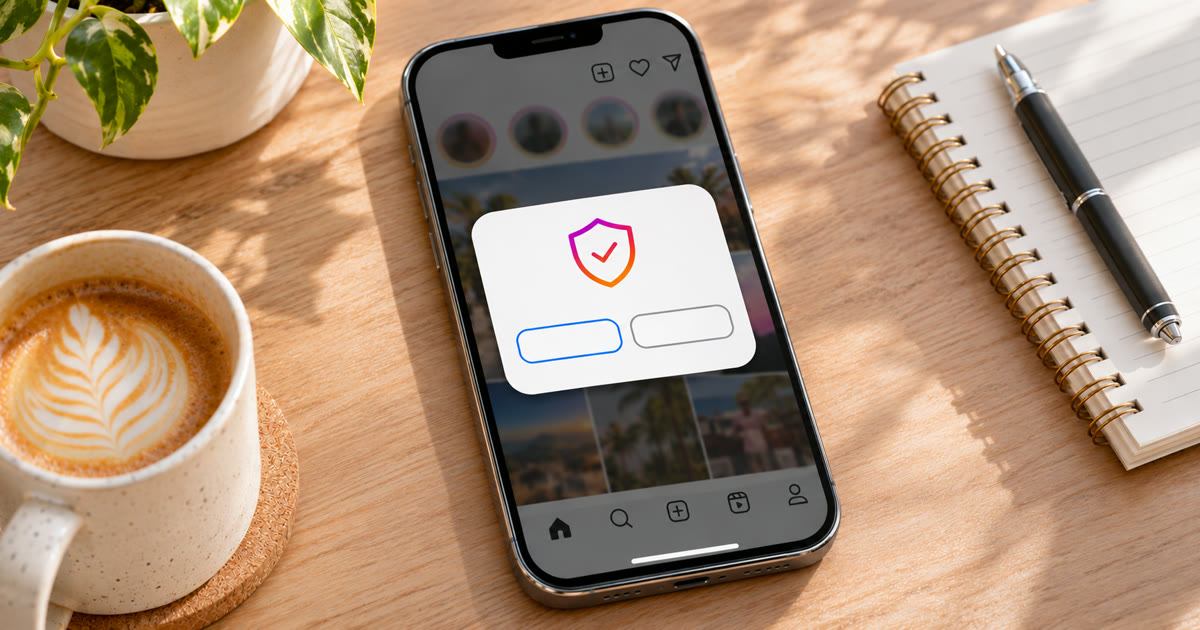
"We restrict certain activity to protect our community" means Instagram has temporarily blocked an action, usually following, liking, commenting or messaging, because your recent activity looked too fast, too repetitive or automated. It's not a ban, and the account still works. Most restrictions lift on their own within hours to a few days if you stop doing the blocked action. Instagram doesn't publish a fixed time. Repeating the action while it's blocked usually makes the next restriction longer.
This post covers what triggers the message, how long it lasts, what to do right away, and how to keep accounts you run from seeing it again.
What does "We restrict certain activity" mean?
It's an action block. Instagram's systems saw activity that looked unusual or inauthentic and stopped you from doing that action for a while. The full message usually reads:
We restrict certain activity to protect our community. Tell us if you think we made a mistake.
The block normally covers one action, like follows or comments, while the rest of the app keeps working. You can still browse, post and reply in most cases.
It's a close cousin of "Try Again Later". Both are action blocks. We covered that popup in what happens when you ignore the Try Again Later popup.
Why does Instagram restrict activity?
Because the activity looked like spam or a bot. The usual triggers:
Too many actions too fast. Dozens of follows, likes or comments in a few minutes, or far more than the account usually does. If it is follows that stopped working, see why you can't follow anyone on Instagram.
The same action over and over. The same comment on many posts, or the same message to many people.
A new account doing too much. Fresh accounts get far less room than established ones. See why new Instagram accounts get suspended.
Third-party apps with access to your account. Apps that like, follow or post for you through your login.
Sudden changes. A login from a new device or location, or a VPN that keeps changing your IP.
Reports or guideline problems. If posts were removed for breaking the Community Guidelines, Instagram can limit features on the account, and it shows that in Account Status.
How long does the restriction last?
Instagram doesn't say. What people usually report:
| Situation | What people usually report |
|---|---|
| First block on an established account | A few hours to 24 hours |
| Blocked again within a few days | Around 24 to 72 hours |
| Repeated blocks, or kept trying while blocked | A week or more |
| Restriction shown in Account Status for a guideline issue | As long as Account Status says |
Treat these as typical reports, not promises. The single best way to make a block longer is to keep trying the action it blocked.
What should you do right away?
- Stop the blocked action completely. Don't retry it to "test" the block. Each attempt counts.
- Check Account Status. Profile → menu → Settings and activity → Account Status. If a feature is restricted for a guideline reason, it shows there, with an option to appeal. See Instagram "not eligible for recommendation" for how Account Status works.
- Tap "Tell us" if it's a real mistake. The message itself offers it. Keep it short and honest.
- Remove third-party apps you've given access to your account, and change your password if you don't recognise one.
- Confirm your email and phone number, and turn on two-factor authentication. Verified accounts look more trustworthy.
- Use the app normally for a day or two. Browse, watch reels, reply to messages, without the action that got blocked.
- Come back slowly. When the block lifts, start well below your old pace and build up over several days.
Don't switch VPNs or log in from new devices to get around it. A sudden location or device change is itself a trigger, and it can turn a short block into a security check.
How do you keep accounts from getting restricted again?
Keep each account's activity at a level a real person would reach, and spread it out.
Onimator is software that drives the real Instagram app on Android phones, cloud phones and emulators, and IGBot is its Instagram module. These settings from its guides are built for exactly this:
| Setting | What it does | Where |
|---|---|---|
| Daily limits that start low and grow | New accounts ramp up instead of jumping | How to Warm Up Instagram Accounts at Scale |
| Hourly hard limit | A ceiling per hour across tools, which catches a daily limit typed in wrong | Global Settings → Action Limits |
| Block detection | Spots the block popup and stops the action instead of retrying | Global Settings → Anti-Detection |
| Pause instead of disable | Pauses for a set number of minutes after "Try Again Later" | Global Settings → Anti-Detection |
| Active hours | Each account works inside realistic hours, never 24/7 | How to Set Up Timers |
| Normal browsing between actions | Feed, stories and reels mixed in with real actions | Human Behaviour Emulation |
These are ceilings, not targets. A few habits matter as much as the settings:
Turn on "Disable all actions when a block is detected". One blocked action is a warning. Carrying on with the others is how it spreads.
Vary every comment and DM with spintax or AI, so no two are the same.
One stable IP per account. See mobile vs residential vs datacenter proxies.
After a block, lower that account's limits for a week or two before raising them again. See how to prevent action blocks before they happen.
Instagram's terms don't allow automated use without permission. Automation carries risk, and nothing here removes it. What you control is how natural each account's activity looks.
FAQ
What does "We restrict certain activity to protect our community" mean?
It means Instagram has temporarily blocked an action, such as following, liking, commenting or messaging, because your recent activity looked too fast, repetitive or automated. It's not a ban.
How long does "We restrict certain activity" last?
Instagram doesn't publish a time. Most first blocks lift within a few hours to a day. Repeated blocks, or retrying while blocked, usually last longer, sometimes a week or more.
How do I remove the restriction on Instagram?
Stop the blocked action, check Account Status, tap "Tell us" if it's a mistake, remove third-party apps, and use the app normally for a day or two. Most restrictions then lift on their own.
Is "We restrict certain activity" a shadowban?
No. A restriction blocks an action and tells you. A shadowban limits who sees your posts without telling you. If reach dropped but nothing is blocked, see why Instagram reach drops suddenly.
Can I still post while my activity is restricted?
Usually yes. The block normally covers one action, like follows or comments, and the rest of the app keeps working.
Don't stop at reading.
Join the community or pick a plan and start automating today.
Get help, share wins, stay ahead.
Thousands of operators, direct support from the team, and a live feed of updates, tips and drops.
- Live support and troubleshooting from the team and power users
- Setup walkthroughs, targeting tips and workflow templates
- Early word on new bots, features and releases
Ready to put growth on autopilot?
Run your accounts, clients or traffic funnel while Onimator does the work. Start scaling today.
- Unlimited accounts
- All available tasks
- Integrated AI Chatter
- Up to 7 devices